
THE SIXPLANETS BLOG
How to prepare a logo for a custom printed hat
Ordering custom hats no minimum? Prepare a clear logo, check size and contrast, and approve your final artwork proof before Frisco printing. No minimum orders.
By sixplanets · Published About 12 min read
In this guide
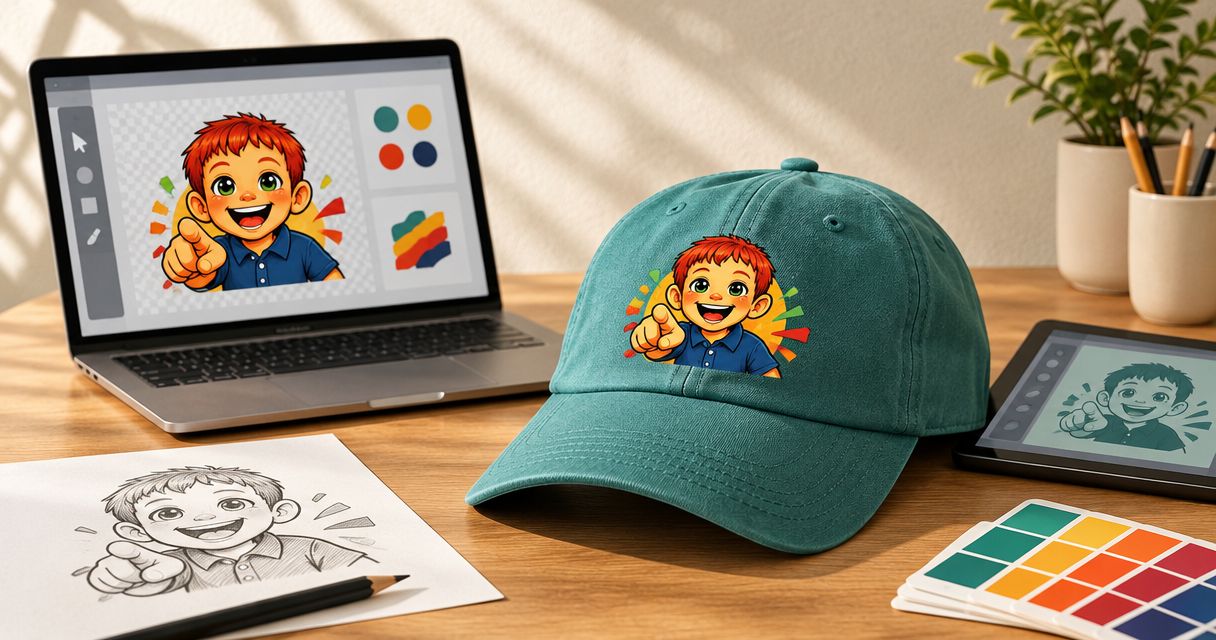
Prepare your logo for a custom printed hat by starting with the original artwork, removing any unwanted background, and checking that the design stays readable at its intended print size. For custom hats no minimum orders, confirm the hat, placement, and final artwork proof before printing; a clean file alone does not settle those decisions.
TL;DR- For custom hats no minimum, simplify the logo and approve its size and placement before printing.
- Sixplanets offers no-minimum custom apparel printing in Frisco, with artwork help and final proof approval.
- Use original artwork, not a screenshot; confirm the accepted file format before submitting.
- Sixplanets production takes 5–7 business days after proof approval; shipping transit is additional.
Why this matters
A logo that works on a website does not automatically work on a hat. A small print area changes what you can read, and the hat color changes how clearly the design stands out. Prepare the logo for the hat, not just for the upload.
For your 2026 order, settle the artwork before treating the production schedule as fixed. If you are buying for employees, the guide to custom hats with no minimum for small business teams connects those artwork decisions to a team order.
Sixplanets is best for individuals, bands, and creators who want no-minimum custom apparel printing in Frisco. The practical advantage is ordering only what you need; the planning constraint is allowing production time after proof approval.
How do you prepare a logo for a custom printed hat?
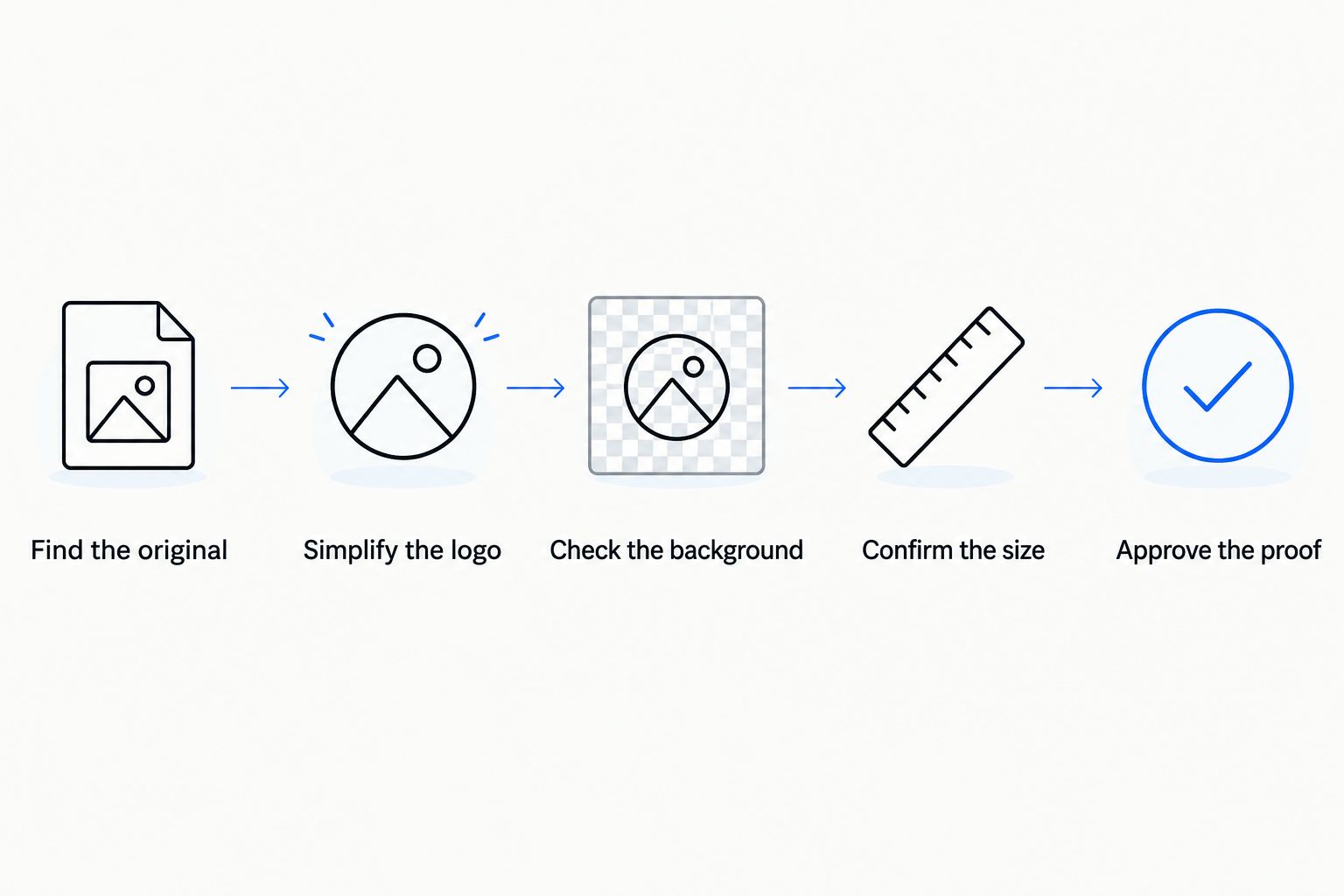
Start with the best source file you have, choose the version that reads clearly at hat size, and confirm the design against the actual hat and intended placement. Work through the following steps before approving production. Each step resolves a different source of confusion.
Find the original
Find the original logo file from your designer or the application used to create it. A vector source keeps shapes editable and can be resized without the pixelation that comes from enlarging a small raster image. A raster file can also be useful when it has enough detail for the intended output.
Do not replace an original with a screenshot, social media download, or image copied from a document. Those copies can lose detail or introduce a background you did not intend. Keep the original untouched and make a separate copy for the hat artwork.
Simplify the logo
Look at the logo at its intended physical size, not enlarged to fill your screen. Check the smallest lettering first. If you cannot read the tagline comfortably, remove it from the hat version or discuss a different arrangement before printing.
Keep the defining element: your band name, business name, or recognizable symbol. Simplifying is not the same as changing your identity. It means choosing which parts of that identity belong on this particular item.
Check the background
Decide whether the background is part of the design. A white rectangle behind a logo is artwork if it is intentional, but an unwanted border if it came from a screenshot. Tell the studio which result you want.
Use transparency when the design is supposed to sit directly against the hat color, and check the exported file after saving it. Do not assume that a white editing canvas means the exported background is transparent. Confirm the actual file, not just the working view.
Confirm the size
Describe the intended printed width in physical units and have the studio confirm what fits the selected hat. Do not set a universal maximum based on another garment or an unrelated product photo. Hat construction and placement determine the usable area.
For a resolution example, a 600-pixel-wide image printed at 2 inches wide contains 300 pixels per inch. That is arithmetic, not a promised submission requirement. Enlarging the same file spreads those pixels over more space; changing its resolution label does not create detail.
Approve the proof
Review the design preview, then approve the final artwork proof before printing. Check the logo version, spelling, color choices, background treatment, size, and placement. Write corrections plainly rather than asking for an undefined adjustment such as making it look better.
For a 2026 event order, record the proof approval date alongside the event date. Production takes 5–7 business days after approval, with shipping transit additional. Uploading a file is not the same milestone as approving the artwork.
Which logo file should you start with?
Use the strongest original source, not the file that is easiest to download. The table compares working sources; it does not list accepted upload formats. Confirm submission requirements before exporting the final file.
| Artwork source | Best for | Advantage | Limitation |
|---|---|---|---|
| Original vector artwork | Logos built from shapes and lettering | Resizes without raster pixelation and keeps elements editable | Fonts and linked assets need attention when sharing |
| Original raster artwork | Painted, textured, or image-based designs | Preserves the appearance of pixel-based artwork | Enlarging beyond the source detail reduces clarity |
| Screenshot or downloaded preview | Showing which logo you mean | Helps communicate the intended design | Is a poor substitute for production artwork |
A file extension alone does not prove quality. Putting a small image inside a vector document does not turn the image into editable vector shapes. Likewise, exporting a large file does not repair blurred edges in the original.
Keep a reference image alongside the source so the intended appearance is clear. If you only have a preview, explain that before ordering and ask for artwork help. Do not spend time repeatedly exporting the same weak source under different filenames.
Full logo: best for a readable name and symbol
Use the full logo when its lettering and symbol remain clear at the confirmed print size. It keeps the familiar relationship between the parts of your identity, which is useful when the name itself needs to be recognized.
The trade-off is space. A tagline, address, or decorative border can crowd the main name when everything shrinks together. Choose the full logo only after checking its smallest essential detail. Do not approve it solely because it looks good at full-screen size.
Simplified logo: best for removing small details
Use a simplified version when the main name or symbol works but the supporting details do not. Remove a secondary line, reduce decorative elements, or ask for help arranging the essential parts. Preserve the wording and recognizable features you need.
The advantage is a clearer hierarchy. The limitation is that you lose information carried by the removed elements. For your 2026 merch artwork, save this as a separate hat version rather than overwriting the complete logo used elsewhere.
Symbol-only logo: best for an already recognizable mark
Use a symbol-only version when your intended audience can identify the mark without the full name. It gives the symbol room and avoids squeezing a long wordmark into the chosen placement. That decision belongs to your audience and purpose, not to the file format.
The limitation is identification: unfamiliar readers do not get a name from an abstract mark. For staff apparel or a first merch release, decide whether recognition or explicit naming matters more. Do not remove the name merely to avoid preparing readable artwork.
Why logo preparation varies between hat orders
There is no single artwork adjustment that fits every hat order. These decisions determine which version to prepare and what to check in the proof:
- Logo detail: Small type, thin decorative elements, and crowded compositions need a close readability check at the intended size.
- Hat color: The background behind the print affects contrast. Review the logo against the selected color, not only against a white canvas.
- Placement: The print needs to fit the selected area. Confirm its relationship to the hat's panels and seams with the studio.
- Source quality: An editable original offers different correction options from a flattened, low-detail preview.
- Order purpose: A staff hat needs identification; a creator's merch design can prioritize a recognizable visual mark.
- Delivery plan: Frisco pickup and shipped orders require different planning because shipping transit follows production.
Write those choices into a short order brief. A useful brief identifies the hat, logo file, preferred placement, intended width, deadline, and pickup or shipping preference. It turns a vague request into decisions that can be checked.
How do you check logo size without guessing?
Check logo size by viewing or printing the artwork at the intended physical dimensions, then confirming the fit with the studio. A paper reference helps you judge readability. It does not prove that a particular hat supports that placement.
For the earlier example, 600 pixels across a 2-inch print gives 300 pixels per inch. At 4 inches wide, the same file gives 150 pixels per inch. These figures explain the relationship between pixels and output size; they are not hat dimensions or studio requirements.
Do not stretch a logo to fill a space. Keep its proportions intact and change its overall size instead. If a wide wordmark becomes unreadable, revisit the layout rather than distorting the lettering.
Should you order one hat before a larger run?
Order one hat first when you need to assess the physical result before committing to a larger project. No minimums make that approach possible. You can examine the actual garment, print placement, and appearance rather than deciding from a screen alone.
The trade-off is an additional ordering cycle. If the larger project depends on that first hat, allow time to receive it, review it, request any changes, and approve the later order. Do not assume that a first order creates a rush schedule for the next one.
A proof and a physical order answer different questions. The proof settles the submitted artwork and intended arrangement; the finished hat lets you assess the item in hand. Use each for the decision it supports.
What should you check before approving the final proof?
Approve only the version you want printed. Compare the final proof with your order brief rather than relying on memory or an earlier preview. If several files have circulated, identify which one replaces the others.
Check these items individually:
- The business, band, or creator name is spelled correctly.
- The chosen logo version is the intended one.
- The background is included or removed as requested.
- The artwork proportions have not been stretched.
- The size and placement match the confirmed plan.
- Any requested correction appears in the final proof.
Ask for clarification when a detail remains unresolved. A useful correction names both the problem and the desired change, such as removing the tagline while keeping the main name. Save the approved proof so you have a clear reference for the order.
Plan production, pickup, and shipping
Sixplanets custom apparel printing takes place in Frisco, with premium blanks, hand inspection, a design preview, and final artwork proof approval before printing. Artwork help is available, including for larger projects. Those checks support the order; they do not remove the need to prepare a clear brief.
For 2026 planning, allow 5–7 business days after proof approval for production. Free pickup is available in Frisco. Nationwide US shipping is also supported, with transit additional to production; do not treat the production window as an arrival promise.
If you are coming from Plano, Dallas, or elsewhere in DFW, choose pickup or shipping deliberately. Confirm the arrangements before planning a trip. Never assume same-day production or rush service without confirmation.
Prepare your custom hat order
No minimums. Frisco production, artwork help, and final proof approval before printing.
Start your orderFAQ
Can I order custom hats with no minimum?
Sixplanets offers custom headwear with no minimum order. Prepare your logo and confirm the hat, artwork, and placement before approving printing.
What's the best logo file for a custom printed hat?
The original artwork is the best starting point for a custom printed hat. Use an editable vector source for shape-based logos or a sufficiently detailed raster source for image-based artwork, and confirm the accepted submission format.
Can I use a screenshot of my logo?
A screenshot is useful as a reference, but it is a poor substitute for the original artwork. Find the source file or ask for artwork help before relying on the screenshot for printing.
Does my hat logo need a transparent background?
Your hat logo needs a transparent background when you want only the logo printed without a surrounding rectangle. Keep a background when it is an intentional part of the design, and check that choice in the proof.
What size should my logo be on a hat?
Your logo size should fit the selected hat and confirmed print placement. Specify the intended width in physical units and ask the studio to confirm it rather than applying a universal size.
How long does a custom hat order take?
Sixplanets production takes 5–7 business days after final artwork proof approval. Shipping transit is additional, and same-day or rush service requires confirmation.
Can I pick up my custom apparel order in Frisco?
Free pickup is available in Frisco. Confirm pickup arrangements for your completed order; nationwide US shipping is also supported.
One last thing
For a 2026 hat order, give the final artwork a filename that clearly distinguishes it from drafts. Keep the editable original, the submitted file, and the approved proof together. This simple habit reduces confusion when you return for another order or adapt the design to another garment.
The best final check happens at actual size. Zooming in helps you inspect edges, but zooming out tells you whether the name reads. Do both before approval. A beautifully prepared file still needs a clear, readable design.